HTC Desire and Belkin car charger

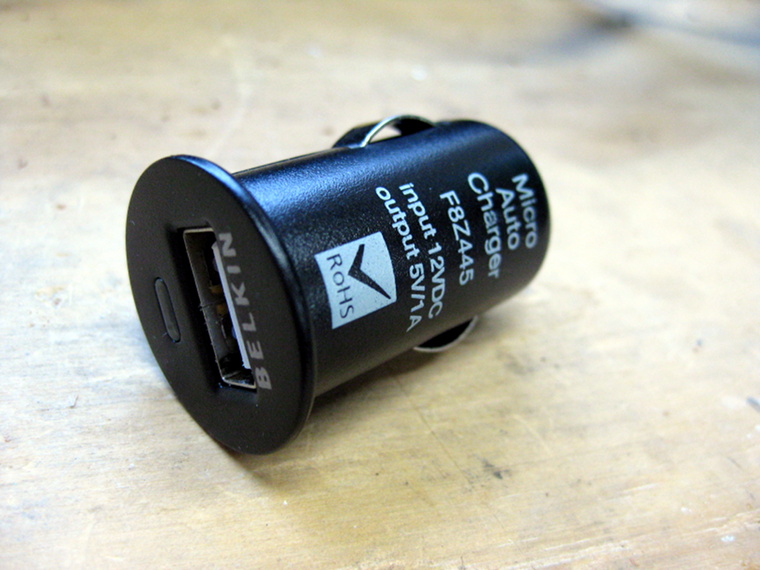
I noticed that my HTC Desire does not charge at full rate off my Belkin Micro USB car charger, despite it being the same rating as the original HTC wall charger (5v, 1A). It appears that the Desire obeys the somewhat recently introduced USB battery charging specification that states devices may draw up to 1.8A if the D+ and D- pins are connected by a resistance of no more than 200 Ohms.

This post shows how I modded my Belkin Micro USB car charger to charge my Desire at the full rate of almost 1A.

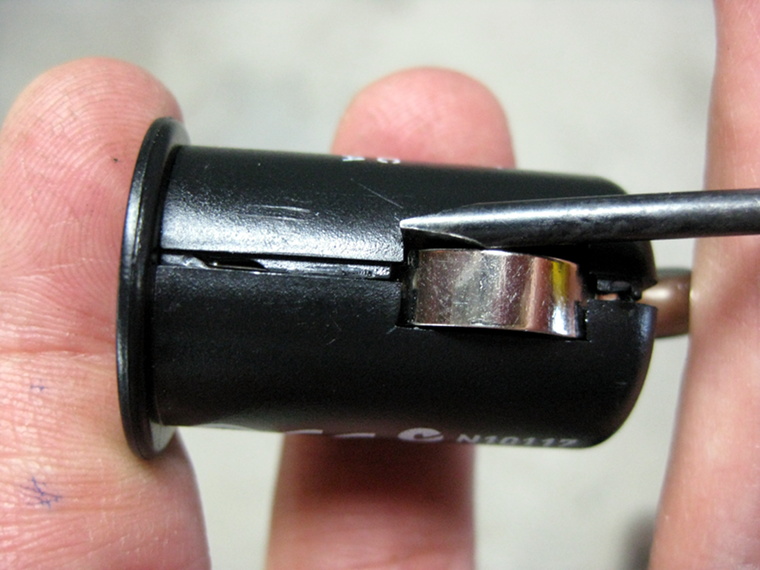
Getting the charger open is relatively easy; use a small flat screwdriver to pry the two halves apart. Note that the faceplate is attached to the side closest to the power LED. If the screwdriver takes too much effort you can use a vise to gently squeeze the sides along the seam to help break the seal.

Once the seal is broken the metal pin on the front will probably ping out and land somewhere awkward like under your workbench, so be prepared!

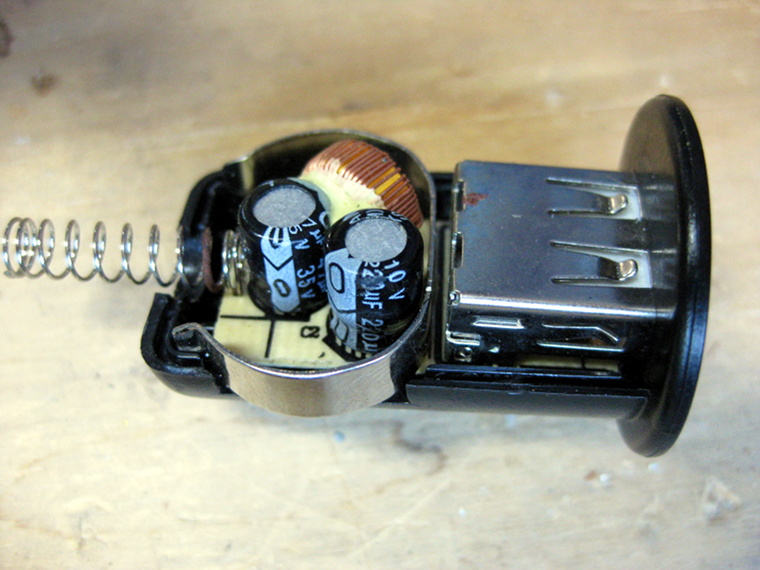
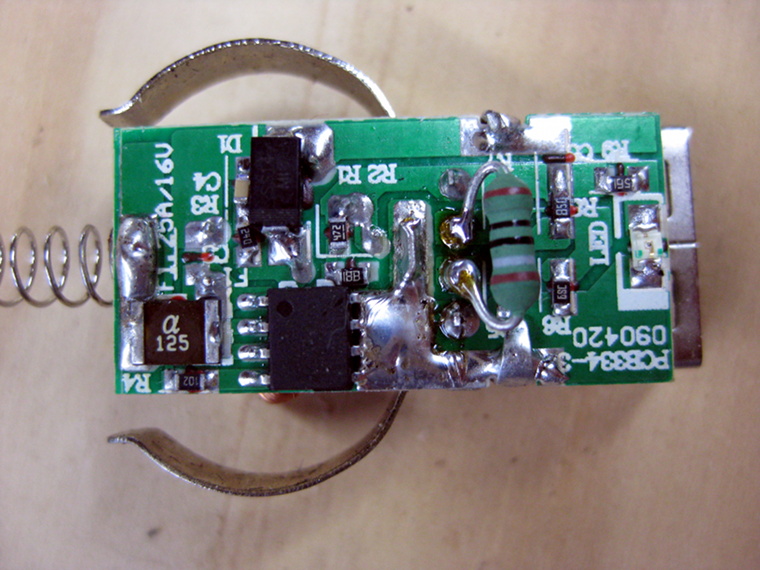
In inside looks quite tidy and simple:

Now solder a 180 Ohm resistor across pins 2 and 3 of the USB port.

To get it back together simply put a few drops of super glue along the seam. I used Selley’s Plastic Glue which is exceptionally good.

After this the battery status (Settings, About phone, Battery) shows as Charging (AC) instead of Charging (USB), indicating that the battery is now charging at full rate.

Hauppauge NOVA-S-Plus in Lucid

I’ve been using a Hauppauge NOVA-S-Plus DVB-S card for a while now with MythTV running on Ubuntu Hardy.

I recently upgraded to Lucid and had lots of difficulty getting the card to work with MythTV. All of the required kernel modules were loaded as expected (cx88xx, etc) and the device tree showed up as expected:

ls -l /dev/dvb/adapter0
total 0
crw-rw---- 1 root video 212, 1 2010-10-12 23:07 demux0
crw-rw---- 1 root video 212, 2 2010-10-12 23:07 dvr0
crw-rw---- 1 root video 212, 0 2010-10-12 23:07 frontend0
crw-rw---- 1 root video 212, 3 2010-10-12 23:07 net0

Testing dvbtune gave the following message:

dvbtune -f 1159000 -p H -s 22500000
FD 7: fd_dvr DEMUX DEVICE: : Device or resource busy

It turns out the fix is actually very simple, it’s just not very obvious or well advertised:

sudo apt-get install linux-firmware-nonfree

Apparently the firmware blobs have some legal restrictions regarding their distribution so they have been placed into a separate package as of Karmic.

Make sure you reboot after installing the firmware package.

Lucid gconf fail

This evening I encountered a weird problem when booting up Ubuntu 10.04. I simply had a black screen with a small error window saying:

There is a problem with the configuration server.
(/usr/lib/gconf2-4/gconf-sanity-check-2 exited with status 256)

Considering that I hadn’t knowingly changed anything last time I used the computer this seemed a little odd.

The following also appeared in /var/log/syslog:

Oct 13 22:05:34 hostname gnome-session[450]: WARNING: Error retrieving configuration key ‘/apps/gnome-session/options/auto_save_session’: Failed to contact configuration server; some possible causes are that you need to enable TCP/IP networking for ORBit, or you have stale NFS locks due to a system crash. See http://projects.gnome.org/gconf/ for information. (Details –  1: Could not send message to GConf daemon: Process /usr/lib/libgconf2-4/gconfd-2 received signal 6)

Fortunately the fix turned out to be easy; it’s simply a permission problem with /tmp. To fix it simply run:

sudo chmod 1777 /tmp

Eee 900 Bluetooth mod

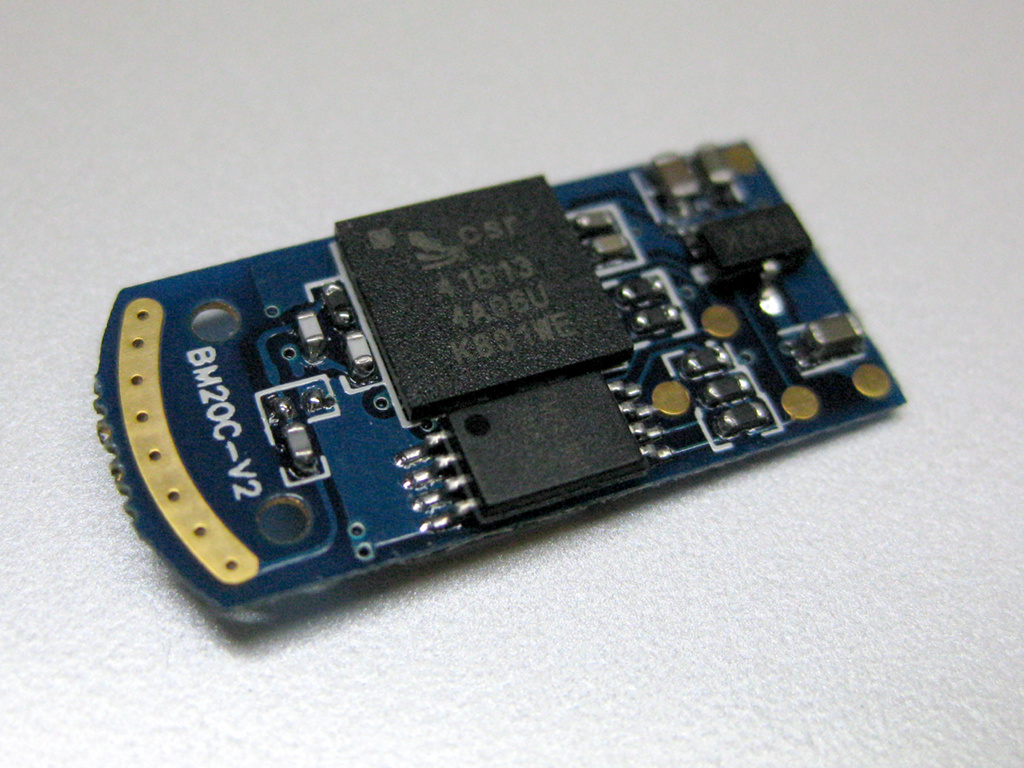
I finally decided it was time to kit out my ancient but trusty Asus Eee 900 with internal Bluetooth. I had an old micro Bluetooth adapter lying about which came apart very easily to reveal an exceptionally small PCB.

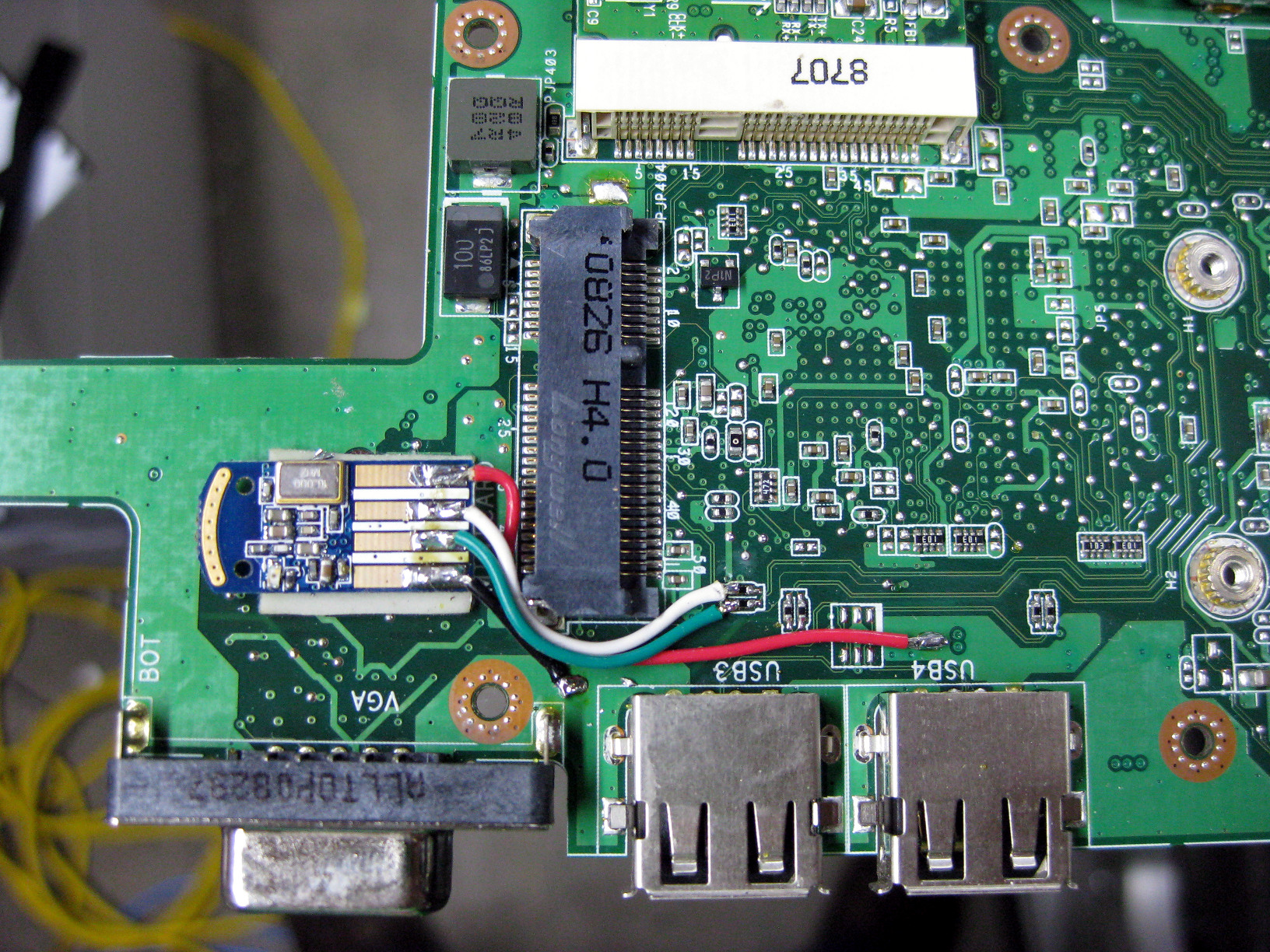
I stuck this to the motherboard of the Eee using a small piece of double sided foam tape, just behind the external VGA connector, and then wired it to the unused USB lines connected to the WiFi adapter PCIe slot.

Power was derived from the same 5v rail that supplies the external USB ports. I simply scraped some solder mask off the tracks and soldered the wires directly.

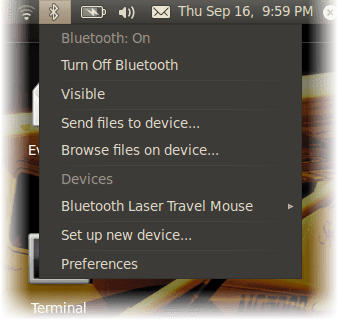
Fortunately once I put it all together again it worked!

Another reason I try to avoid Windows

I decided to replace the hard disk in my Dell Optiplex 755 with a larger model (500GB). Migrating Ubuntu was trivial; Windows Vista was not. Clonezilla did its best but I ended up running into all sorts of Windows BCD corruption issues. Most of the various repair tools on the Windows DVD failed with incredibly non-descriptive error messages.

After giving up I quickly discovered that Windows would refuse to even install, citing Windows is unable to find a system volume that meets its criteria for installing. This was even after zeroising the first few GB of the disk with dd. WTF Microsoft?

Even a BIOS update didn’t do the trick. (hint to Dell, et al.: DOS is dead. Please give us a modern, OS independent BIOS update mechanism)

It turns out that two things seemed to have an affect on this: my HP Photosmart printer with its built-in card reader and floppy drive setting in the BIOS. Disconnecting the printer and setting the floppy drive mode from USB (default if there is no internal floppy drive) to None cured the problem.

By this stage I had wasted enough hours so didn’t even bother trying to see if the clone would work this time around.

Of course all along Ubuntu behaves just perfectly.

A guide to hacking Japanese car radios

Do you have a Japanese import car that won’t tune to local FM radio stations? It’s a well known fact that Japan uses a different public FM broadcast band to the rest of the world; 76 to 90 MHz instead of the usual 87.5 to 108 MHz CCIR band. Sure you can use a band expander but these suffer from a number of drawbacks, not to mention that the radio does not display the correct frequency of the station you are tuned to.

Here’s a guide on hacking your radio to convert it to natively tune across the CCIR band. This post is still a work in progress so I may update it from time to time and add more photos as I get the chance. Continue reading

McIntosh PF-2520I-A

I recently acquired this lovely McIntosh PF-2510I-A 6-disc in-dash CD changer. This model was available as an option in the North American market Subaru Legacy and Outback. It is often but incorrectly referred to as the PF-25201 or PF-25201-A.


McIntosh PF-2520I-A. Yes those are solid aluminium knobs!


Fortunately it shares the same connectors and pinout as the Japanese and Austrailasian market Legacys so can be fitted in cars destined for other markets with very little effort. Having said that there are a couple of gotchas. Read on… Continue reading